
Turn it on.
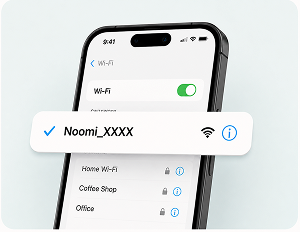
Connect.
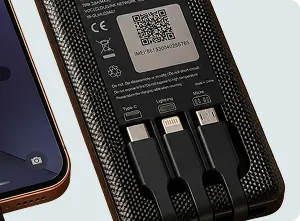
Charge.
One pocket device for unlimited Wi-Fi and a phone top-up. No SIM swap, no app, no account. Here is everything it does — and two things that are normal the first time you use it.

Two things that are normal the first time
1. It works only where your plan covers
Your Noomi provides internet in the country or region your plan is for — and nowhere else. A France plan works in France, not in the country next door. Carry it across a border and it stops; back in a covered area, it connects again.
2. The first connection can take up to 7 minutes
The first time you switch on in your destination, the device registers with the local network. That can take up to 7 minutes, and the wait varies by place. It's normal, and it happens only on that first power-on — after that, connecting is quick.
Out of the box, in under a minute
What the indicator lights mean
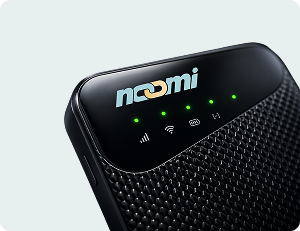
A row of small lights sits beside the Noomi wordmark on the front. Here is what each one is telling you.
Unlimited with Fair Use. We never cap your data. Local carriers may slow speeds during peak periods — we pick operators who do this least. High-speed access typically resets the next day.
Read the full Fair Use policy →Something not working?
If the lights or the connection don't match what you see here, tell us your order number and what the lights are doing.
A person reads every message at hello@noomi.travel.
Open the Noomi hotspot help guide →Browse the full Help center →